Replace Microsoft Access
in 2026
Microsoft Access 2021 reaches end of support on 13 October 2026, and Microsoft has already removed Access from the one-time-purchase Office 2021 suite — pointing new development at Power Apps and Dataverse instead. For the many UK businesses still running critical operations out of an Access database, the deadline is the prompt — but the bigger opportunity is to move to a platform built for desktop, iPad, web and AI from the ground up.
We help UK SMEs and mid-market businesses replace Microsoft Access with a modern Claris FileMaker platform — without losing the parts of the system that genuinely work. A FileMaker migration gives you desktop, iPad and web access, modern security, native AI features, and a platform actively invested in for the next decade.
What You Gain By Replacing
Microsoft Access with FileMaker
Proper Multi-User Working
Native, server-hosted multi-user access without the classic Access file-locking, corruption and back-end split headaches.
Desktop, iPad and Web in One
The same system on Windows, Mac, iPad (FileMaker Go) and the web — something Access never offered without a rewrite.
Modern Security
Role-based access, encrypted data, audit logging and GDPR-aligned practices suitable for Cyber Essentials certification.
Web Portals for Customers
Offer customers, partners and remote staff branded web portals that connect to the same database — no Access licence required.
Native AI Features
FileMaker 2026 ships with natural-language search, RAG, vector search and LLM integration — options that are not coming to Access.
A Platform with a Roadmap
Claris is actively investing in FileMaker — new major versions each year, unified licensing and a clear product direction to 2030.
From Access Forms To Full
FileMaker business systems
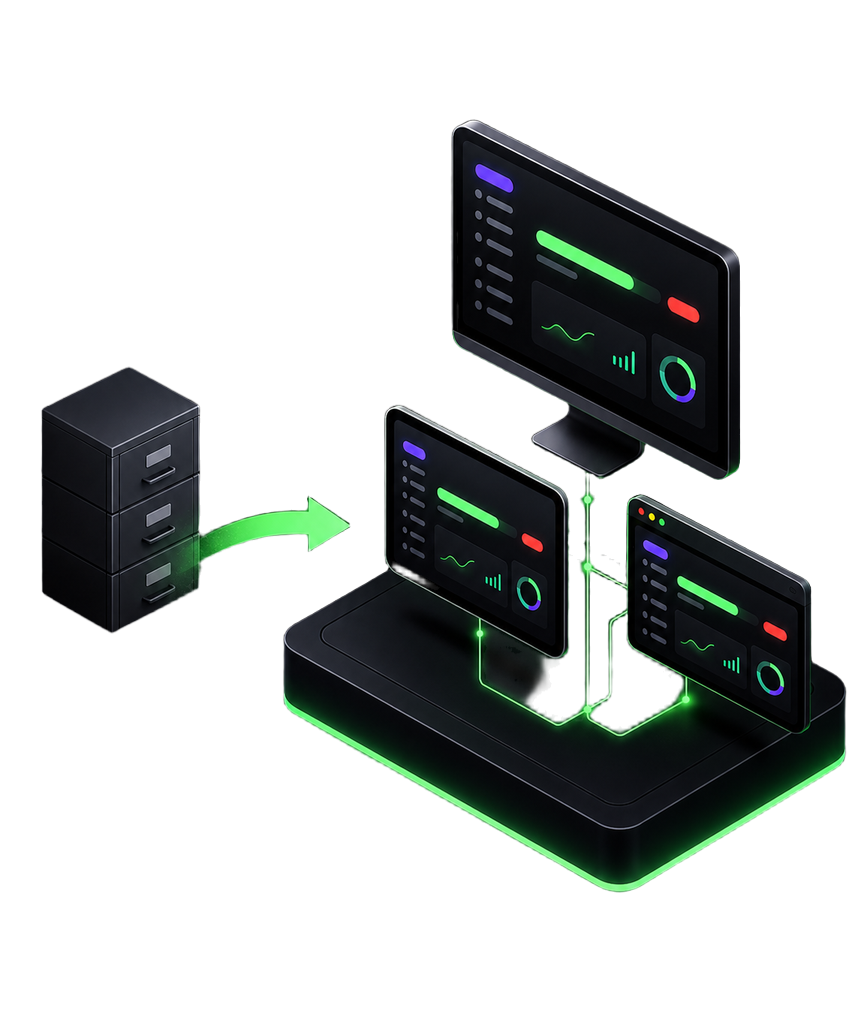
Modern FileMaker layouts look nothing like an Access form. These examples show the kind of branded, multi-pane experiences the platform delivers across desktop, iPad and the web — the same database, but no longer hidden behind a 1990s UI.
Operational dashboard — campaign progress, donations and follow-up workflow on one screen
Illustrative FileMaker examples — chosen to show the platform's range, not specific Smart Wolf client systems.
Is FileMaker The Right
Access replacement for you?
We won't tell you FileMaker is the answer if it isn't. Microsoft is pointing Access users at Power Apps and Dataverse, and for some businesses that's the right route.
Claris FileMaker tends to win when: the database is the core operational system, you need great iPad and desktop experiences, the process is unusual enough that off-the-shelf SaaS doesn't fit, or you want to bring customers into a branded web portal.
Power Apps often wins when: you're already deeply standardised on Microsoft 365, you have in-house capacity to build and maintain Power Apps, and the database is a lighter front-end on top of SharePoint or Dataverse.
Our FileMaker consultants can run a short, fixed-scope readiness review and give you an independent recommendation in writing. If you're still weighing the platforms, see our full FileMaker vs Microsoft Access comparison.
Access On The Web
properly this time
One of the most common reasons UK businesses replace Microsoft Access is that they need to give customers, partners or remote staff controlled access over the web — something Access was never designed for.
A Claris FileMaker migration opens two web routes: FileMaker WebDirect for internal and authenticated users, and custom React or Next.js portals for fully branded customer-facing experiences. Smart Wolf is one of the few UK FileMaker partners that delivers both.
How We Migrate From
Microsoft Access to FileMaker
The migration is your chance to retire the workarounds, modernise the interface and give the system a future. Our five-step process is built to do that without disrupting day-to-day operations:
1. Audit the existing Access database. We map tables, queries, forms, reports, VBA and the real-world workflows around them. Critically, we identify which of those still reflect how the business actually runs.
2. Design the FileMaker equivalent. We rebuild the data model cleanly in FileMaker and rework layouts so they work well on desktop, iPad and the web — not just a pixel-for-pixel copy of Access forms.
3. Migrate the data. Full historical data is moved across, validated and reconciled. Nothing is left behind unless you choose to archive it.
4. Replace VBA with FileMaker scripting. Macros and VBA are rebuilt as FileMaker scripts. Complex automations often move to API-driven integrations that are far easier to maintain.
5. Integrate, deploy and train. We integrate with your existing systems (Sage, Xero, Shopify, Microsoft 365) where needed, host on FileMaker Server or Claris Cloud, and train your team.
Microsoft Access replacement
questions from UK businesses
When does Microsoft Access support actually end?
Microsoft Access 2021 — the last standalone one-time-purchase version — reaches end of support on 13 October 2026. It will still open afterwards, but there will be no security updates, no bug fixes and no supported path for Windows 11 changes. Microsoft 365 subscribers continue to receive updates, but the product is being strategically de-invested.
Do my Access database files still open after October 2026?
Yes — your .accdb and .mdb files do not suddenly stop working. What changes is the risk profile. Unsupported software on Windows increases the burden on IT, complicates Cyber Essentials renewal, and means any newly discovered security issue in Access will not be patched. Most UK SMEs we speak to want a plan in place well before that date.
What's the difference between moving to Claris FileMaker and moving to Microsoft Power Apps?
Power Apps is Microsoft's recommended Access successor and is a strong fit for businesses already standardised on Microsoft 365, Dataverse and SharePoint. Claris FileMaker tends to win when the database is the heart of your operation, when you need rich desktop and iPad apps, or when off-the-shelf SaaS doesn't fit your process. We'll tell you honestly which is right — we're Claris FileMaker specialists, but we won't steer you onto the wrong platform.
Can we keep our existing forms, queries and reports?
We rebuild them as FileMaker layouts, finds and reports — not as like-for-like copies, but as modern equivalents that work well on desktop, iPad and the web. Most clients take the migration as an opportunity to clean up the 10–15 years of workarounds that had built up in the Access version.
What about our Access VBA and macros?
Your VBA and macros are rebuilt rather than ported literally — and that's the upgrade. Smart Wolf's developers translate the existing logic into FileMaker scripts and, where it makes sense, into API-driven integrations (Claris Connect, webhooks, REST). Expected behaviour is preserved; the underlying engine becomes one your team can maintain and extend confidently, with proper documentation and a built-in debugger.
Can end users access the new system from a web browser, like a web app?
Yes. FileMaker systems can be surfaced on the web via WebDirect or — for fully branded customer-facing experiences — a custom React or Next.js portal. We build both and will advise on which fits your users, your budget and your timescale.
Client
Case Studies
Read how we are helping UK businesses, non-profit organisations and teams of all sizes to achieve their objectives more efficiently and effectively, with custom Claris FileMaker software. Here is a small showcase of some of our work.


© Copyright 2026 Smart Wolf Ltd
Smart Wolf Ltd (09598480) registered in England & Wales.
Basepoint Business Centre, Bromsgrove,
Worcestershire, B60 3ET