
Claris FileMaker vs Microsoft Access
A 2026 UK comparison guide
Looking to replace Microsoft Access — or weighing Access against Claris FileMaker for a new build? An honest UK Claris Partner comparison: where Access genuinely fits, where FileMaker pulls ahead, and what to do with Access 2021 ending support in October 2026.
The Short Version (read this first)
Microsoft Access still works, and it ships with most Microsoft 365 plans your business already pays for. But it’s Windows-only, struggles past 10–20 concurrent users in practice, has no native AI, and Microsoft now points new development at Power Apps. Access wins when the app is small, Windows-only and short-lived; FileMaker wins on cross-platform working, multi-user reliability, native AI and a roadmap its supplier is actively investing in.
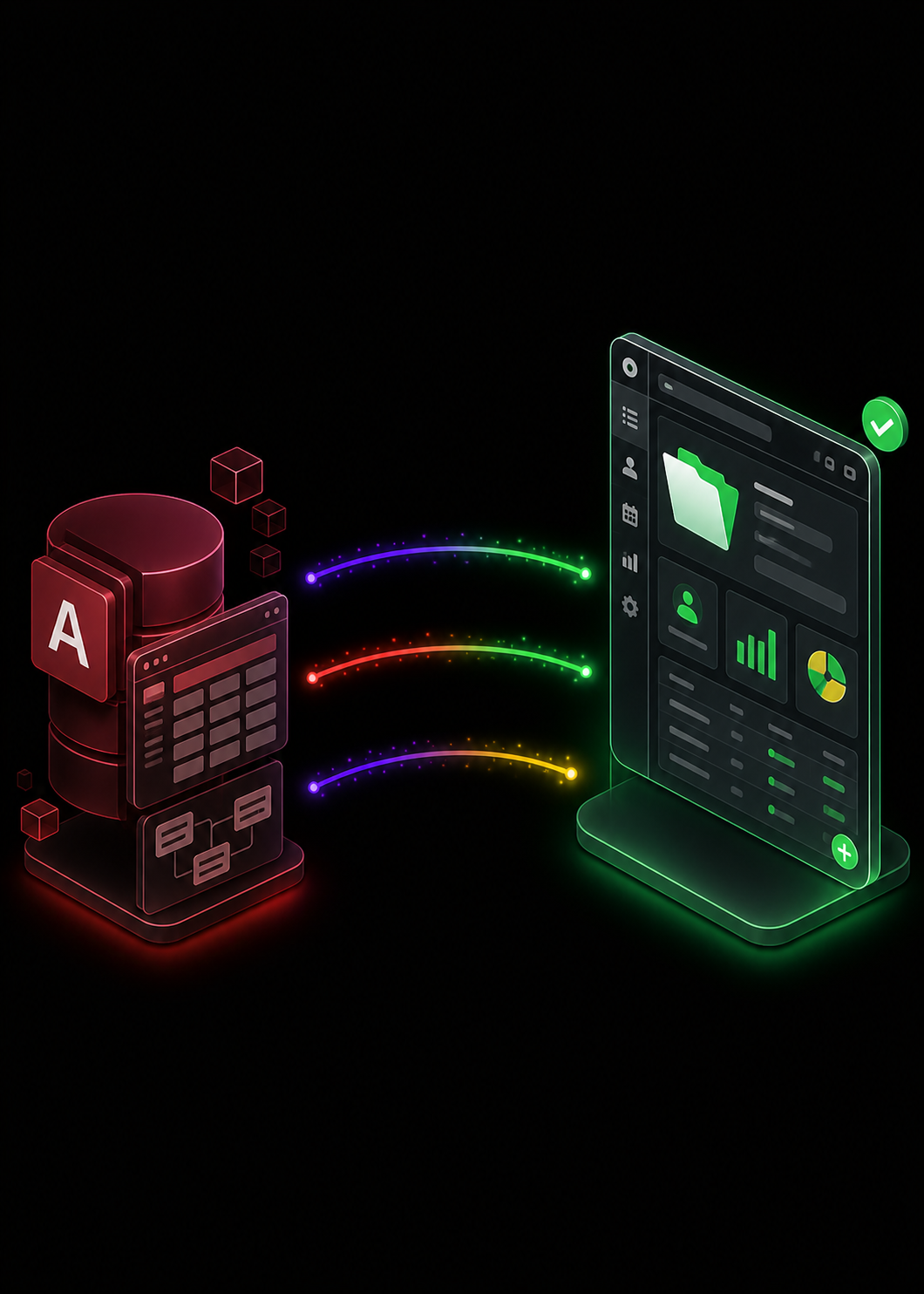
FileMaker vs Microsoft Access at a glance
| Dimension | Microsoft Access | Claris FileMaker |
|---|---|---|
| Platform Support | Windows desktop only — no Mac, iPad, browser or mobile client. | Native Windows, Mac, iPad, iPhone (FileMaker Go) and browser (FileMaker WebDirect). |
| Multi-User Reliability | Spec'd at 255 concurrent users; practical ceiling 10–20 before lock contention and file corruption. | FileMaker Server is designed for hundreds of concurrent users on appropriate hardware. |
| Capacity | 2 GB per .accdb file; 255 fields per table; 32,768 objects per database. | No equivalent file-size cap; capacity scales with your hosting. |
| Lifecycle | Access LTSC 2024 supported to 9 Oct 2029; Access 2021 to 13 Oct 2026; 2016/2019 already out of support. | Annual major releases from Apple-owned Claris with a clear public roadmap. |
| AI | No native AI features in the product. Microsoft's Copilot investment is in Power Apps and Copilot Studio. | Native AI script steps, semantic search and vector embeddings — your choice of public model or local LLM on your own hardware. |
| Integrations & APIs | ODBC, OLE DB and linked tables. No native REST or OData. Modern SaaS connections typically need custom code. | Native REST and OData APIs plus Claris Connect with hundreds of pre-built connectors — clean integration with modern tools out of the box. |
| User Experience | Looks and behaves like the 1990s desktop app it grew from. Forms and reports feel dated to end-users. | Modern, themeable layouts with responsive design, clean typography and drag-and-drop styling — current-generation business-app UX. |
| Deployment | Windows desktop file-share, or split front-end with a SQL Server / Azure SQL back-end via ODBC. | Self-hosted in the UK, on your own private cloud, or on Claris-managed cloud — your choice. |
| Supplier Direction | Microsoft now positions Power Apps + Dataverse as the modern path; publishes an official Access-to-Dataverse migration guide. | Apple-owned Claris continues to invest in FileMaker as a strategic platform — major release in 2026. |
| Best Fit | Small Windows-only desktop databases with a handful of users. | Operational systems with depth, mobile, web and longevity. |
Microsoft Access vs Claris FileMaker - Comparison
Platform Support
Microsoft Access
Windows desktop only — no Mac, iPad, browser or mobile client.
Claris FileMaker
Native Windows, Mac, iPad, iPhone (FileMaker Go) and browser (FileMaker WebDirect).
Multi-User Reliability
Microsoft Access
Spec'd at 255 concurrent users; practical ceiling 10–20 before lock contention and file corruption.
Claris FileMaker
FileMaker Server is designed for hundreds of concurrent users on appropriate hardware.
Capacity
Microsoft Access
2 GB per .accdb file; 255 fields per table; 32,768 objects per database.
Claris FileMaker
No equivalent file-size cap; capacity scales with your hosting.
Lifecycle
Microsoft Access
Access LTSC 2024 supported to 9 Oct 2029; Access 2021 to 13 Oct 2026; 2016/2019 already out of support.
Claris FileMaker
Annual major releases from Apple-owned Claris with a clear public roadmap.
AI
Microsoft Access
No native AI features in the product. Microsoft's Copilot investment is in Power Apps and Copilot Studio.
Claris FileMaker
Native AI script steps, semantic search and vector embeddings — your choice of public model or local LLM on your own hardware.
Integrations & APIs
Microsoft Access
ODBC, OLE DB and linked tables. No native REST or OData. Modern SaaS connections typically need custom code.
Claris FileMaker
Native REST and OData APIs plus Claris Connect with hundreds of pre-built connectors — clean integration with modern tools out of the box.
User Experience
Microsoft Access
Looks and behaves like the 1990s desktop app it grew from. Forms and reports feel dated to end-users.
Claris FileMaker
Modern, themeable layouts with responsive design, clean typography and drag-and-drop styling — current-generation business-app UX.
Deployment
Microsoft Access
Windows desktop file-share, or split front-end with a SQL Server / Azure SQL back-end via ODBC.
Claris FileMaker
Self-hosted in the UK, on your own private cloud, or on Claris-managed cloud — your choice.
Supplier Direction
Microsoft Access
Microsoft now positions Power Apps + Dataverse as the modern path; publishes an official Access-to-Dataverse migration guide.
Claris FileMaker
Apple-owned Claris continues to invest in FileMaker as a strategic platform — major release in 2026.
Best Fit
Microsoft Access
Small Windows-only desktop databases with a handful of users.
Claris FileMaker
Operational systems with depth, mobile, web and longevity.
Where Access Wins
For the right team, Access is still a reasonable choice — and we’ll say so plainly.
Already in your Microsoft 365 stack
Access ships with Microsoft 365 Apps for Enterprise, Business Standard, Business Premium, M365 Family and Personal — for many UK businesses, the marginal cost of using it is zero.
Familiar to existing users
If your team has lived in Excel and Outlook for a decade, Access is the database that feels closest to home. The learning curve for a small Windows-only tracker is genuinely short.
Tight Microsoft integration
First-class integration with Excel, Outlook, SharePoint lists and SQL Server via ODBC. If you're standardised hard on the Microsoft stack, that integration breadth is a real advantage.
Where FileMaker Wins
Where Access’s 30-year-old foundations start to bite, FileMaker keeps going — six places it pulls ahead for UK businesses.
Native iPad, iPhone and Mac
FileMaker Go is a real native iPad and iPhone client with offline-then-sync, plus first-class Mac support. Access has none of these.
Multi-user reliability
FileMaker Server runs hundreds of concurrent users on appropriate hardware without the file-locking and corruption risks that limit Access to ~10–20 in practice.
Native AI script steps
Claris FileMaker 2026 ships AI script steps, semantic search and vector embeddings — running against public models (Claude, ChatGPT, Google Gemini) or a local LLM on your own hardware. Access has no native AI.
Easier integrations and modern APIs
Native REST and OData APIs, plus the Claris Connect automation layer with hundreds of pre-built connectors (Slack, HubSpot, Salesforce, Google Workspace and more), let FileMaker plug into the rest of your stack cleanly. Access stops at ODBC and OLE DB — connecting it to modern SaaS tools is consistently more painful and often needs custom code.
Modern, user-friendly UI
FileMaker layouts feel like a current-generation business app — clean typography, responsive design, themes, drag-and-drop styling. Access still looks and behaves like the desktop app it’s been since the 1990s, and end-users notice on day one.
Long-term support and roadmap
Claris ships a major FileMaker release every year, with a public roadmap and an active partner ecosystem. Microsoft has effectively put Access into maintenance — no major new features in years, no native AI on the roadmap, and an official guide steering new development to Power Apps. The trajectory is hard to miss.
Which Should We Choose?
Choose Access When
- It's a small Windows-only tool used by a handful of people in one office.
- Your data fits comfortably below 2 GB and the user count stays in single digits.
- You're already deep in the Microsoft 365 stack and Mac/iPad/web access doesn't matter.
- The app is short-lived and a rebuild within five years is acceptable.
Choose FileMaker When
- You need cross-platform working — Mac, iPad, iPhone or browser.
- Concurrent-user counts are heading toward (or past) the Access practical ceiling.
- Native AI on your own data is on the near-term roadmap.
- The app needs to be around in 10 years, on a roadmap its supplier is actively investing in.
Choose FileMaker Now (rather than rebuild later) When
- You're already hitting the 2 GB file cap or 10–20 concurrent-user wall.
- Access 2021 end of support (Oct 2026) is forcing a re-licensing decision anyway.
- Microsoft's Power Apps push means a rebuild is coming either way.
- Migrating later is expensive — choosing once is not.
Migrating from Access to FileMaker
- Discovery. We map your tables, queries, relationships, forms, reports and VBA logic — and the workflows around them.
- Schema redesign. Many Access databases grew organically over years. We redesign the data model in FileMaker the way it should have been from the start, keeping what works.
- Layouts, scripts and permissions. Forms, reports and VBA are rebuilt as native FileMaker layouts, scripts and privilege sets — often adding the iPad, web and AI workflows Access couldn't support.
- Cutover. Data migrates via CSV or ODBC, with reconciliation and a parallel-run period before go-live.
Smart Wolf delivers a fixed-scope migration plan after a short discovery call — and runs a dedicated Microsoft Access replacement service for UK teams making this move.
Plan A MigrationThe lifecycle conversation
Access 2016 and 2019 are already out of support. Access 2021 ends 13 October 2026. Access LTSC 2024 runs to 9 October 2029. Microsoft 365 customers still get bug fixes, but Access has had no major feature investment in years and there is no public AI or modernisation roadmap — Microsoft’s own guidance steers new development to Power Apps and Dataverse.
That matters when an internal app needs to last another decade. If your Access database has a five-year horizon, the next renewal is the natural moment to think about what comes next — through Smart Wolf as a Cyber Essentials-certified UK FileMaker hosting and development Partner.
FileMaker vs Microsoft Access — questions UK businesses ask
Is Microsoft Access being discontinued?
No. Access is not officially discontinued. Access LTSC 2024 is supported until 9 October 2029, and Access 2021 (the last standalone perpetual version) is supported until 13 October 2026. Microsoft 365 subscribers continue to receive updates. Access 2016 and 2019 are already out of support. Microsoft is de-prioritising Access — it now points new development at Power Apps and Dataverse, and publishes an official guide for migrating Access data to Dataverse — but Access itself isn't being switched off.
Where does Access genuinely beat FileMaker?
Where your business is already deeply standardised on Microsoft 365, Power BI and SharePoint; where the database is a Windows-only desktop tool used by a small team; or where the marginal cost of an existing Microsoft licence is decisive (Access ships inside Microsoft 365 Apps for Enterprise, Business Standard, Business Premium, M365 Family and Personal). For straightforward Windows-only reporting tools, Access is still legitimate.
Where does FileMaker beat Access?
True cross-platform working (Windows, Mac, iPad, web), proper multi-user reliability without file-locking corruption, native iOS and iPad apps via FileMaker Go, native AI features (semantic search, natural-language query, retrieval-augmented generation), modern REST and OData APIs plus the Claris Connect automation layer for clean integration with modern SaaS tools, a current-generation user interface (rather than the dated 1990s desktop look Access still carries), and a roadmap actively invested in by Apple-owned Claris while Microsoft steers new development toward Power Apps.
How many concurrent users can each really handle?
Microsoft's published spec says Access supports up to 255 concurrent users per .accdb file, but the practical ceiling is far lower. Industry coverage and long-running Access ISVs put it at 10–20 concurrent editors before lock contention, file bloat and corruption become routine — a dropped network connection during a write is a known corruption trigger. FileMaker Server is designed for hundreds of concurrent users on appropriate hardware, and our UK clients routinely run 20- to 50-user systems with no contention issues.
Can we use our Access database from an iPad or in a web browser?
No, not natively. Access is Windows-only — there is no Mac, iPad, iOS, Android or browser client. The web-based attempts (Access Web Databases 2010, Access Web Apps 2013, Access Services in SharePoint) were all retired. Microsoft now points teams that need a web or mobile front-end at Power Apps. FileMaker delivers genuine cross-platform working out of the box: native Mac and Windows clients, FileMaker Go on iPad and iPhone, and FileMaker WebDirect in any modern browser.
What about the 2 GB Access file limit?
The native ACE/Jet engine caps a .accdb file at 2 GB, with up to 255 fields per table and 32,768 objects per database. The standard scale-out pattern is to split the front-end (forms, reports, VBA) from a SQL Server or Azure SQL back-end via ODBC linked tables — recommended once concurrent users exceed about 10–20 or data approaches 2 GB. FileMaker has no equivalent file-size cap; capacity scales with the hosting you give it.
Microsoft is pushing Power Apps. Why not just go there?
It's a real option — but it isn't a like-for-like upgrade. Power Apps Premium is around US$20/user/month with Dataverse, and Dataverse storage runs roughly US$40/GB/month above the included allowance. Microsoft's migration tool moves data only — not your forms, reports or VBA — so the user-facing application is rebuilt from scratch either way. If you're rebuilding regardless, the real question is which platform serves your team for the next 10 years: Power Apps' low-code cloud, or a Claris FileMaker platform with native iPad, native AI and the option to host on UK infrastructure.
What does migrating from Access to FileMaker look like?
Smart Wolf runs a short discovery to map your tables, queries, forms, reports and VBA logic. Data migrates via CSV or ODBC; forms, reports and business logic are rebuilt as native FileMaker layouts, scripts and calculations — no automated path moves Access forms or VBA, so this is the same step regardless of destination. Most clients take the chance to add the iPad, web and AI workflows Access couldn't support. You get a fixed-scope plan after discovery.
Related comparisons
Client
Case Studies
Read how we are helping UK businesses, non-profit organisations and teams of all sizes to achieve their objectives more efficiently and effectively, with custom Claris FileMaker software. Here is a small showcase of some of our work.



Not sure which is right? We'll tell you honestly.
Smart Wolf is a UK Claris Partner with over a decade of FileMaker delivery — and a dedicated Microsoft Access replacement service. If Access is the right answer for your team, we'll say so. If FileMaker is the right answer, we'll show you why and give you a fixed-scope plan.
© Copyright 2026 Smart Wolf Ltd
Smart Wolf Ltd (09598480) registered in England & Wales.
Basepoint Business Centre, Bromsgrove,
Worcestershire, B60 3ET